

Lesson 1,
Topic 1
In Progress
Post-Workshop: Summarizing Outcomes and Next Steps

Davio White November 8, 2024
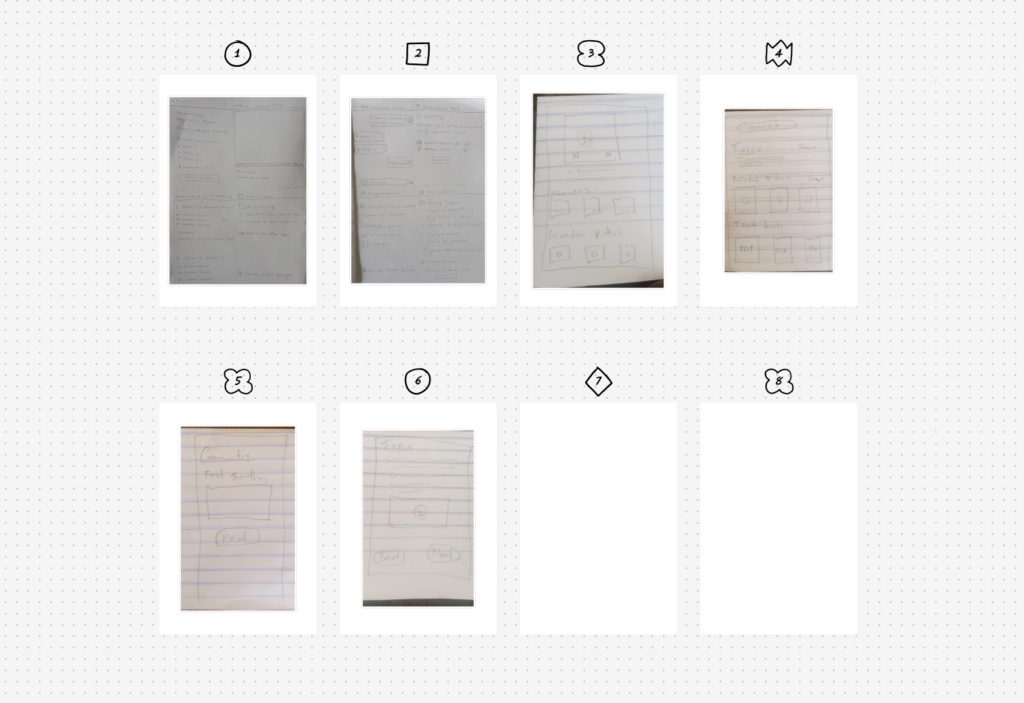
After a productive workshop, it’s essential to wrap up thoughtfully. The post-workshop phase ensures that all the great ideas generated don’t get lost and that there’s a clear path forward. Here’s how to handle this phase effectively:
1. Summarize the Workshop Outcomes
- Highlight Key Ideas: Review the sketches, votes, or discussions and identify the most promising concepts.
- Capture Insights: Document common themes, user needs, and design opportunities that emerged during the session.
- Save the Materials: Ensure FigJam boards, notes, and recordings are saved and accessible to all relevant team members.
2. Create a Recap Document
- Include screenshots of key sketches or outputs.
- Summarize group decisions and top-voted ideas.
- Add next action items and responsible team members.
3. Define Next Steps
- Prioritize Ideas: Select the ideas to prototype or explore further.
- Assign Ownership: Clarify who will be responsible for prototyping, testing, or researching.
- Set Timelines: Define when the next reviews or deliverables are due.
4. Share with Stakeholders
- Email or present a summary deck to team leads, product owners, or other stakeholders who weren’t in the workshop.
- Keep communication clear and concise to maintain momentum and buy-in.
This phase ensures your workshop translates into real progress. Treat it like a handoff from inspiration to execution.
Post-Workshop Recap Checklist
Workshop Summary
- Top 3–5 ideas or concepts summarized
- Photos or exports of sketches/boards saved
- Key decisions and insights noted
Recap Document
- FigJam or PDF summary created
- Action items listed with owners
- Timelines and next steps outlined
Communication
- Recap shared with team and stakeholders
- Feedback channels clarified (e.g., comments, async review)
Next Phase Planning
- Chosen ideas marked for prototyping
- Ownership assigned for each follow-up task
- Calendar invite or task created for next session/check-in
You can either include this as a downloadable checklist or embed it visually into your presentation or documentation.